No-Code Testing for DevelopersShip the feature and the test in the same PR

Write E2E tests without learning a testing framework.

Record UI flows visually, get clean Cypress code, and catch regressions before code review.

No credit card required

@e2easy/plugin for Cursor & Claude Code

Tests that stay in sync with every commit

The @e2easy/plugin for Cursor and Claude Code blocks a commit until changed UI is tagged with stable test attributes, resyncs affected E2Easy tests via MCP, and runs a local Playwright check — so your tests never silently go stale.

YOUR UI → TESTS THAT STAY CURRENT LIVE

1. Change UI

Build normally in Cursor or Claude Code.

E2

2. E2Easy keeps it in sync

The plugin uses MCP to detect changed UI before you commit.

MCP connected

3. Ship with confidence

+

data-testid

~

checkout.spec.ts

Selectors and E2E tests are updated automatically.

Cursor or Claude Code connect to E2Easy through MCP. The plugin adds stable data attributes and creates or updates E2E test files before commit.

Create tests your way

Record flows yourself, or let an AI agent build them for you - same dashboard, same playback.

Chrome extension

For QA & PM teams

Record in the browser

Install the E2Easy extension, click through your app once, and turn the session into a repeatable test - no code, no separate IDE.

  • Record clicks, typing, navigation, and forms
  • Add assertions on text, visibility, and page state
  • Organize tests in folders and replay anytime

We didn't build E2Easy to replace your code.

We built it so you never have to waste sprint time writing E2E selectors again.

Before and after E2Easy

  • 01Before

    Manual Cypress/Playwright scripts and debugging brittle selectors

    After

    Record the flow once, get clean test code in return

  • 02Before

    Test logic locked inside a proprietary dashboard format

    After

    One-click export to plain Cypress code you commit to your own repo

  • 03Before

    Waiting on QA or automation engineers to write edge-case tests

    After

    Any teammate can record a flow — you review and extend the code

From recording to regression in minutes

Record once. Edit anytime. Run before every release. No engineer needed.

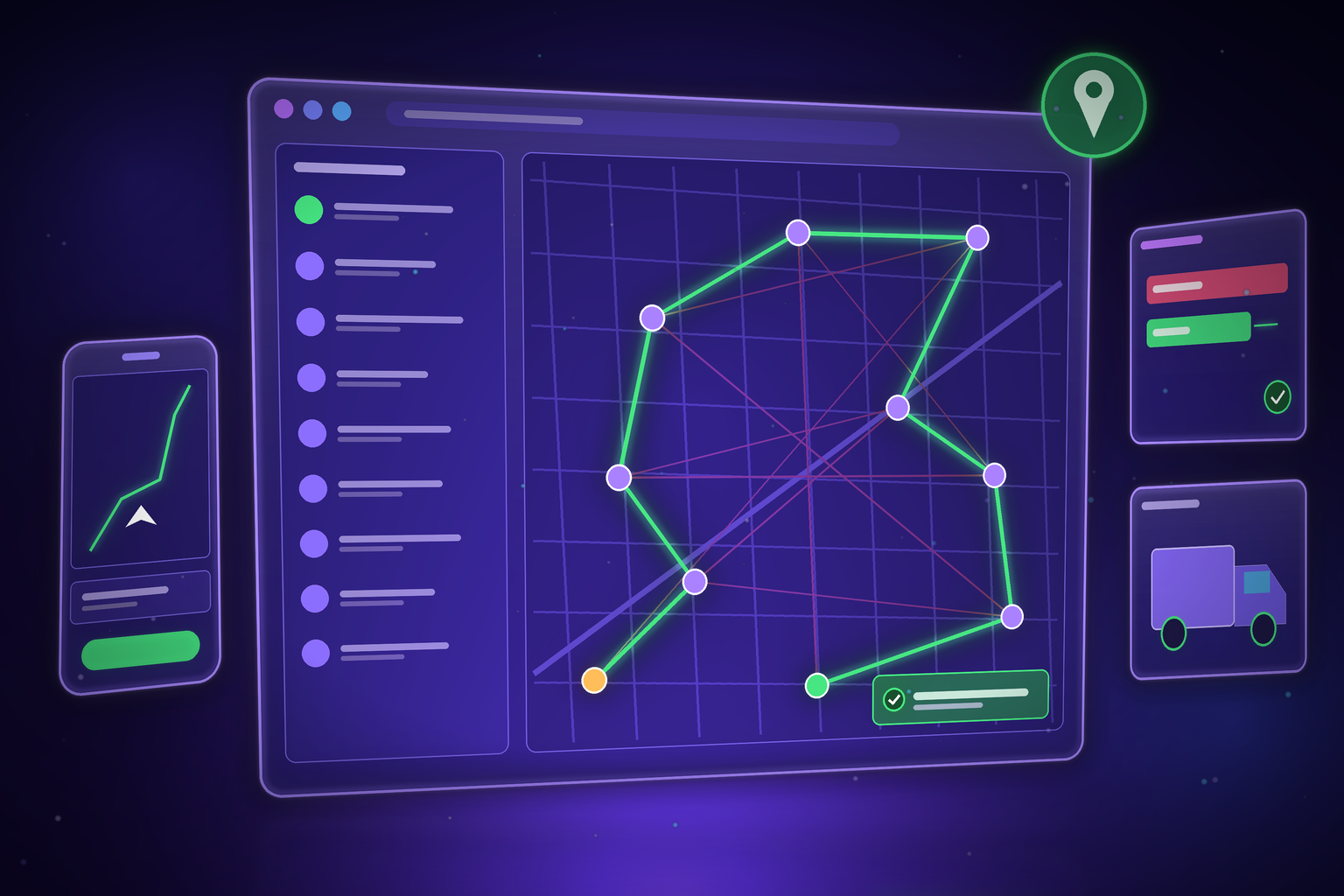
Record actions in seconds

Quickly capture user actions in your browser without writing a single line of code - no setup required.

Watch the product demo

Schedule and automate

Set your tests to run automatically before every release - no manual trigger needed.

View pricing

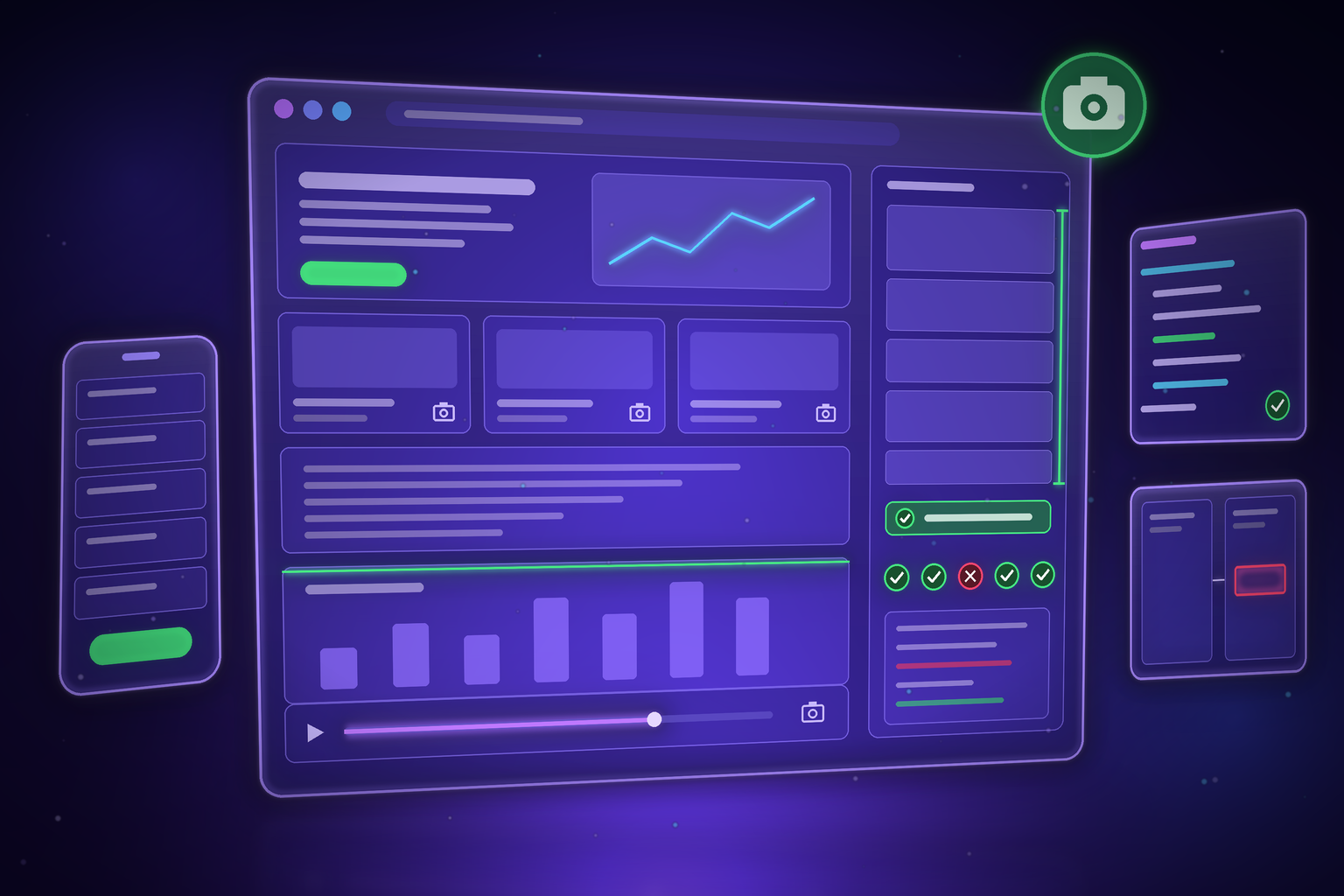
Analyze and improve test runs

Review test logs, assertions, and performance stats in one place - track stability, detect issues, and stay confident.

Read testing FAQs

Built for teams who ship fast

Stop spending days on manual regression

E2Easy takes the repetitive work out of testing so your QA team can focus on what actually requires human judgment - not clicking through the same flows before every release.

0

Lines of code required to get started

2min

To record your first working test

Why E2Easy

Not all E2E testing is equal

See how E2Easy compares to manual testing and traditional automation frameworks.

Setup time

Manual QA
None
Cypress / Playwright
Weeks-months
E2Easy ✦
Under 5 minutes

Coding required

Manual QA
None
Cypress / Playwright
Yes - JS/TS
E2Easy ✦
Zero

Who can run tests

Manual QA
Anyone
Cypress / Playwright
Automation engineers
E2Easy ✦
Any QA, PM, or Dev

Test maintenance

Manual QA
Manual every sprint
Cypress / Playwright
High - breaks with UI changes
E2Easy ✦
Low - visual recorder

Runs before every release

Manual QA
Manual trigger
Cypress / Playwright
With setup
E2Easy ✦
Scheduled

Video recording

Manual QA
No
Cypress / Playwright
Partial
E2Easy ✦
Every run

Git-friendly, code export

Manual QA
Cypress / Playwright
✓ (written manually)
E2Easy ✦
✓ (generated on export)

Frequently asked questions

Quick answers about E2Easy and core ideas in software testing and automation.

E2Easy uses a browser extension to track real-time user interactions - clicks, inputs, and page transitions - without requiring any manual input. Everything is stored securely and can be edited anytime.

Yes. You can export recorded flows as clean, editable Cypress code in one click. That lets developers extend tests in code, plug into existing CI pipelines, and avoid lock-in while non-technical teammates keep building in the visual editor.

Yes. E2Easy is built for no-code workflows, so QA, product, and support teams can create and maintain tests without engineering help.

Security is built in: encrypted storage, controlled team access, and enterprise-ready deployment options for organizations with stricter requirements.

At the end of your trial, you can pick a paid plan or continue with limited functionality. Your test data stays available so you can upgrade anytime.

Yes. You can invite teammates to shared workspaces, review test results together, and manage permissions by role.

Yes. Every recorded step can be updated in the editor - reorder actions, fix selectors, add waits, or remove steps you no longer need. You can also re-record parts of a flow without starting from scratch, so tests stay accurate as your product changes.

Yes. The E2Easy Connector for Claude lets you describe a test in plain English - no recording session or manual clicking. Claude uses a real browser to find the elements on your page, builds a structured test, and saves it to your E2Easy dashboard. You can also list, run, update, and delete tests from the conversation. Connect Claude to your E2Easy account in about a minute via a custom connector in Claude.ai.

Read about the Claude Connector

Yes. You can enable video capture on playback to see exactly what happened in the browser - useful for debugging failures and sharing results with teammates. Videos are tied to your run history in the app alongside step logs and status.

E2Easy is a Chrome extension built for Google Chrome and other Chromium-based browsers that support Chrome extensions (such as Edge or Brave). Sign in after install and start recording on any web app you can open in that browser.

Install the E2Easy Chrome extension

Early Access

Free during early access

We're growing - use E2Easy free while we build together. Pricing announced before launch.

Early Access - Free

$0 / month

Full access. No credit card. No commitment.

Up to 30 tests

500 test runs/month

Chrome extension

Video recordings

Test history & logs

All integrations

Team collaboration

Priority support

Start Free Trial →

Early users get a founder discount when paid plans launch.

Start free trial

Start free trial