No-code TestingRecord your first test in under 2 minutes

Automate regression before your next release.No code. No chaos.

E2Easy helps QA and dev teams record, edit, and replay browser tests – without writing a single line of code.

Create tests your way

Same dashboard, same playback - use one path or both on the same project.

Chrome extension

Record in the browser

Install the E2Easy extension, click through your app once, and turn the session into a repeatable test - no code, no separate IDE.

  • Record clicks, typing, navigation, and forms
  • Add assertions on text, visibility, and page state
  • Organize tests in folders and replay anytime
Claude Connector

Describe tests in chat

Connect E2Easy to Claude, explain the flow you want verified, and get a ready-to-run test built from real page elements - without manual recording.

  • Create, list, and run tests from a conversation
  • Claude inspects live pages to match real selectors
  • Edit and schedule tests in the dashboard like any recording

From recording to regression in minutes

Record once. Edit anytime. Run before every release. No engineer needed.

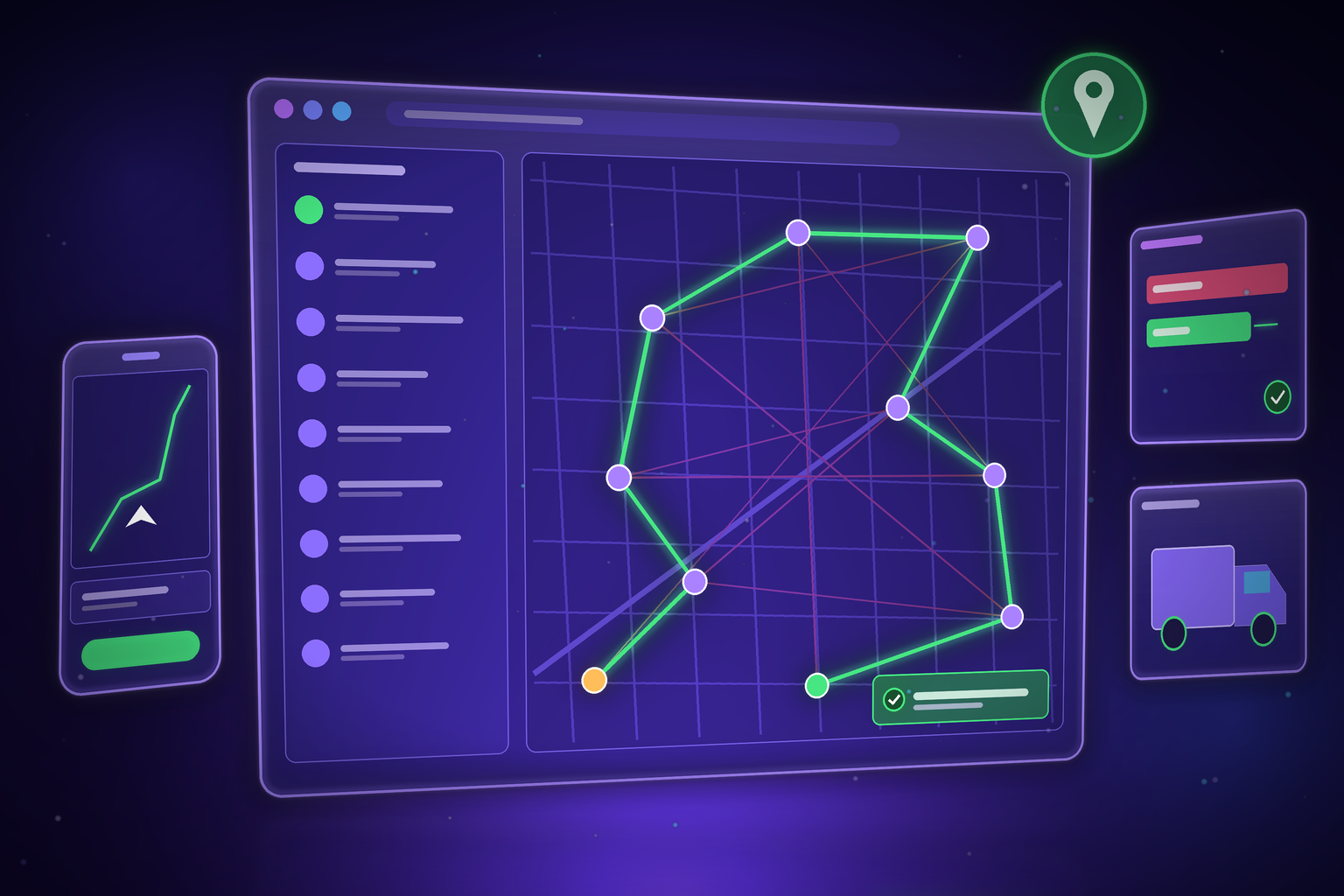
Record actions in seconds

Quickly capture user actions in your browser without writing a single line of code - no setup required.

Learn More

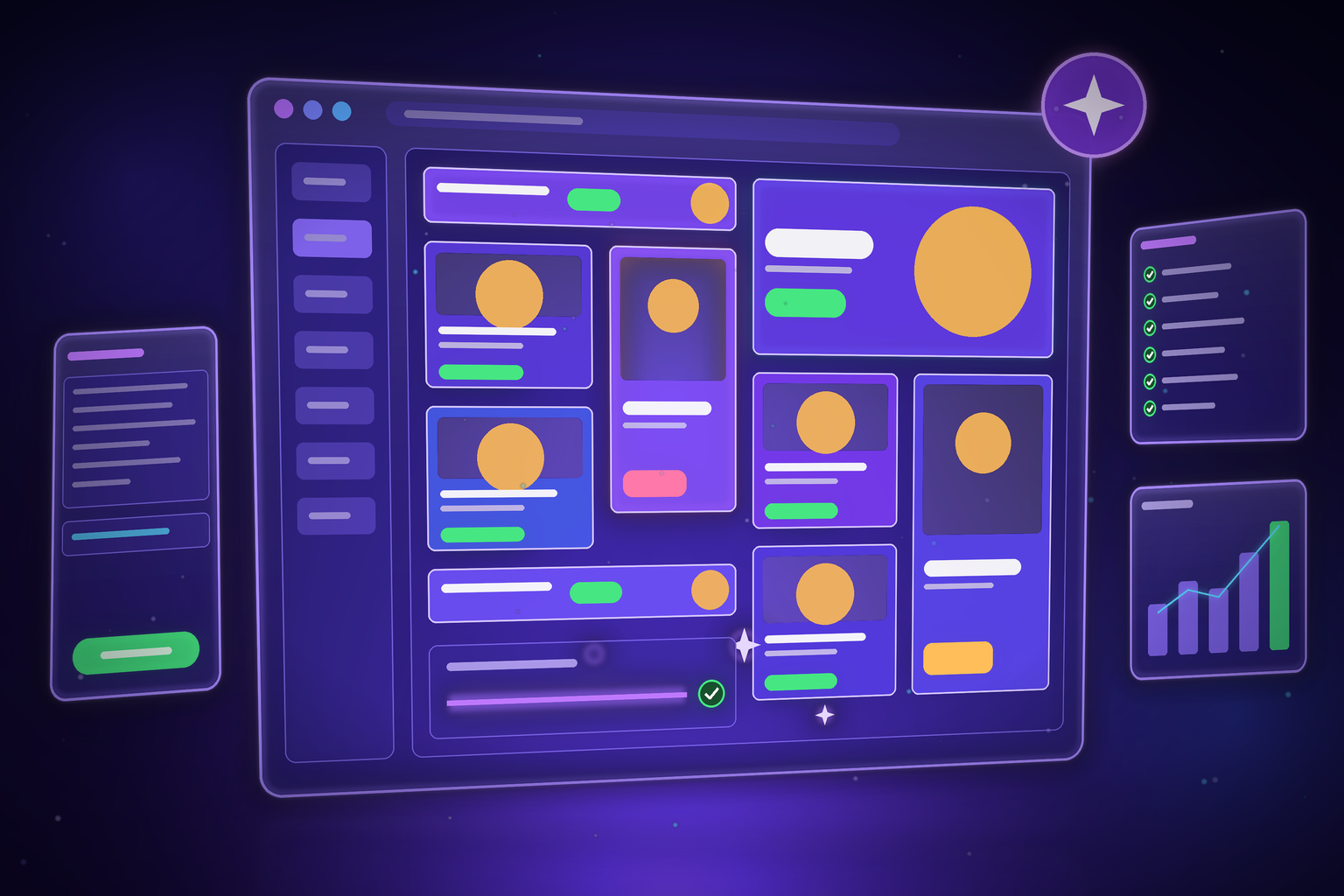
Schedule and automate

Set your tests to run automatically before every release - no manual trigger needed.

Learn More

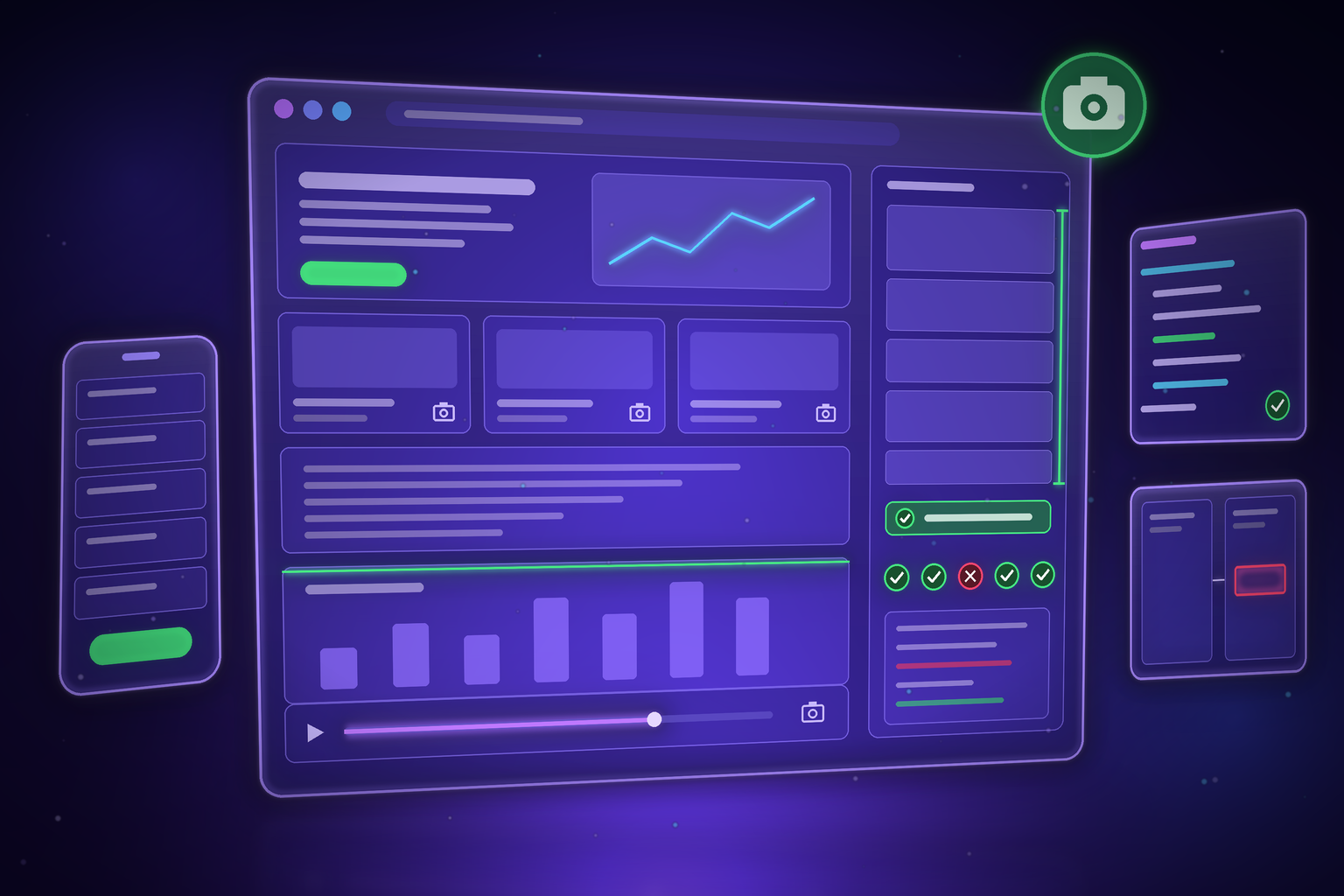
Analyze and improve test runs

Review test logs, assertions, and performance stats in one place - track stability, detect issues, and stay confident.

Learn More

Built for teams who ship fast

Stop spending days on manual regression

E2Easy takes the repetitive work out of testing so your QA team can focus on what actually requires human judgment - not clicking through the same flows before every release.

2min

To record your first working test

3x

More test coverage with the same team

0

Lines of code required to get started

30d

Free trial - no credit card needed

Why E2Easy

Not all E2E testing is equal

See how E2Easy compares to manual testing and traditional automation frameworks.

FeatureManual QACypress / PlaywrightE2Easy ✦
Setup timeNoneWeeks-monthsUnder 5 minutes
Coding required None Yes - JS/TS Zero
Who can run testsAnyoneAutomation engineersAny QA, PM, or Dev
Test maintenanceManual every sprintHigh - breaks with UI changesLow - visual recorder
Runs before every release Manual trigger With setup Scheduled
Video recording NoPartial Every run
Cost$50-80/hr per tester$100K+/yr engineerFree during beta

Frequently asked questions

Quick answers about E2Easy and core ideas in software testing and automation.

E2Easy uses a browser extension to track real-time user interactions - clicks, inputs, and page transitions - without requiring any manual input. Everything is stored securely and can be edited anytime.

Yes. E2Easy is built for no-code workflows, so QA, product, and support teams can create and maintain tests without engineering help.

Yes. You can export recorded flows as clean, editable Cypress code in one click. That lets developers extend tests in code, plug into existing CI pipelines, and avoid lock-in while non-technical teammates keep building in the visual editor.

Security is built in: encrypted storage, controlled team access, and enterprise-ready deployment options for organizations with stricter requirements.

At the end of your trial, you can pick a paid plan or continue with limited functionality. Your test data stays available so you can upgrade anytime.

Yes. You can invite teammates to shared workspaces, review test results together, and manage permissions by role.

Yes. Every recorded step can be updated in the editor - reorder actions, fix selectors, add waits, or remove steps you no longer need. You can also re-record parts of a flow without starting from scratch, so tests stay accurate as your product changes.

Yes. The E2Easy Connector for Claude lets you describe a test in plain English - no recording session or manual clicking. Claude uses a real browser to find the elements on your page, builds a structured test, and saves it to your E2Easy dashboard. You can also list, run, update, and delete tests from the conversation. Connect Claude to your E2Easy account in about a minute via a custom connector in Claude.ai.

Read about the Claude Connector

Yes. You can enable video capture on playback to see exactly what happened in the browser - useful for debugging failures and sharing results with teammates. Videos are tied to your run history in the app alongside step logs and status.

E2Easy is a Chrome extension built for Google Chrome and other Chromium-based browsers that support Chrome extensions (such as Edge or Brave). Sign in after install and start recording on any web app you can open in that browser.

Install the E2Easy Chrome extension

Early Access

Free during early access

We're growing - use E2Easy free while we build together. Pricing announced before launch.

Early Access - Free

$0 / month

Full access. No credit card. No commitment.

Up to 100 tests

1,000 test runs/month

Chrome extension

Video recordings

Test history & logs

All integrations

Team collaboration

Priority support

Start Free Trial →

Early users get a founder discount when paid plans launch.

Start free trial

Start free trial