Productivity • October 5, 2026
How to Sync Google Calendar With Apple Calendar on iPhone and Mac
Add Google Calendar to Apple Calendar on iPhone, iPad, or Mac. Learn why iCloud calendars need a separate setup and how to share availability across both accounts.
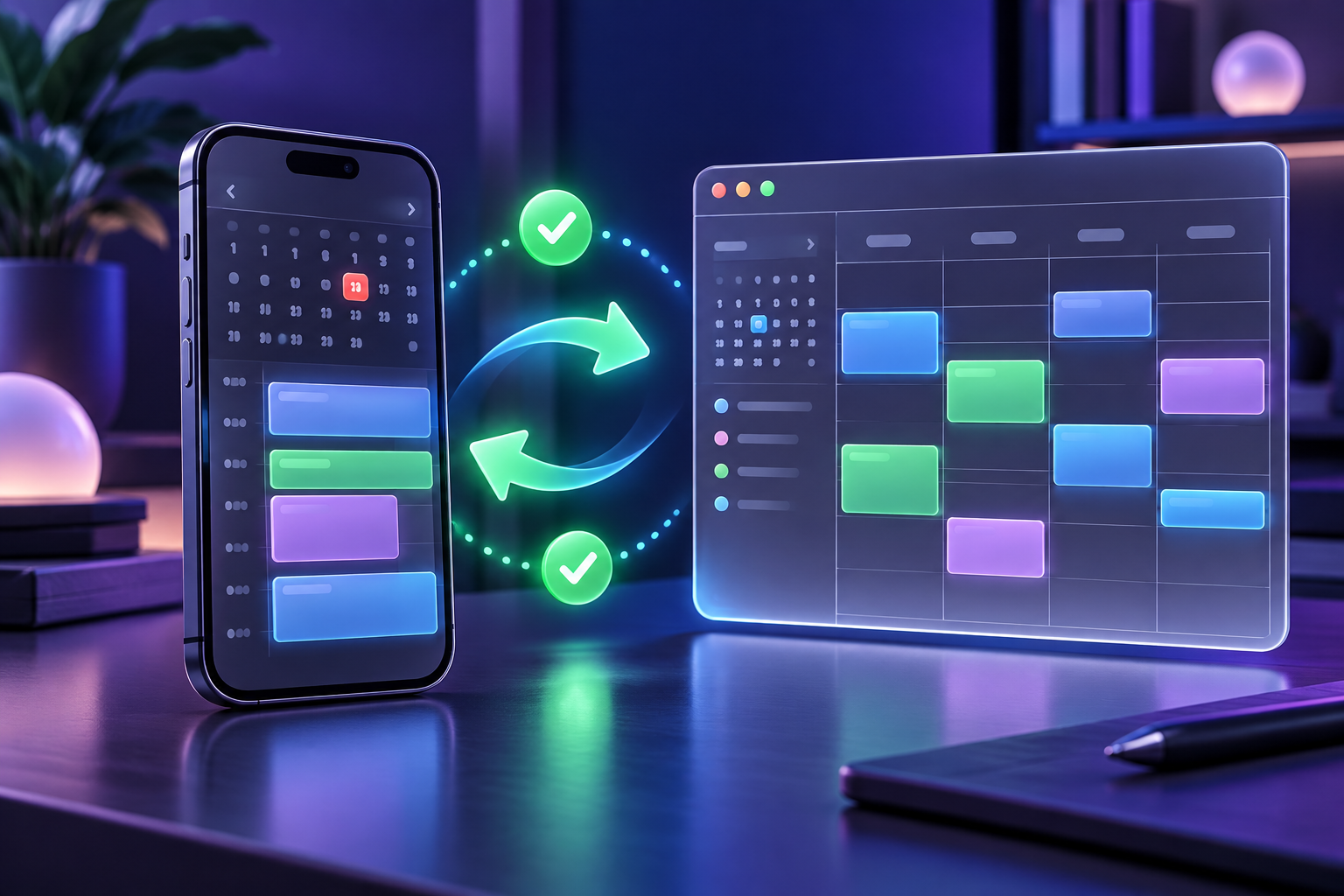
To see Google Calendar events in the Apple Calendar app, add your Google account to your iPhone, iPad, or Mac. Events you save to that Google calendar can sync back to Google. An iCloud calendar you also see in the app remains separate: adding Google does not copy iCloud events into Google Calendar.
Choose the setup below based on whether you need one calendar view, a read-only iCloud feed, or shared availability between accounts.
Quick answer
There are three common ways to connect Google Calendar and Apple Calendar:
| Goal | Best method | Sync direction | Main limitation |
|---|---|---|---|
| See and edit Google events in Apple Calendar | Add your Google account on iPhone, iPad, or Mac | Changes to Google-hosted events can sync in both directions | iCloud events remain in iCloud |
| View iCloud events in Google Calendar | Subscribe to a public iCloud calendar URL | iCloud to Google, read-only | Anyone with the URL can view the feed; refresh timing is outside your control |
| Share availability between Google and iCloud | Connect both accounts with a calendar sync tool | One-way or two-way, depending on setup | Requires access to both accounts |
If you only need Google events inside the Apple Calendar app, start with the built-in account connection. The other methods solve a different problem: getting iCloud events into Google Calendar.
Method 1: Add Google Calendar to Apple Calendar on iPhone or iPad
Apple documents the current iPhone account path, and Google confirms that its events can appear in Apple Calendar on iPhone and iPad (Apple Support, Google Calendar Help).
On current iOS versions:
- Open Settings.
- Go to Apps -> Calendar -> Calendar Accounts.
- Tap Add Account.
- Choose Google.
- Sign in and allow calendar access.
- Make sure Calendars is enabled.
- Open the Apple Calendar app and tap Calendars to show or hide the Google calendars you want.
On older iOS versions, the path is usually Settings -> Calendar -> Accounts -> Add Account.
Set your default calendar
After you add Google, check your default calendar. If new events are accidentally saved to iCloud, they will not sync back to Google just because you can see Google events in Apple Calendar.
On current iOS versions, go to Settings -> Apps -> Calendar -> Default Calendar, then choose the Google calendar you want to create events in by default (Apple Support).
Method 2: Add Google Calendar to Apple Calendar on Mac
On Mac, Apple Calendar can add internet accounts such as iCloud, Google, or another CalDAV account and show calendars in one place (Apple Support).
To add Google Calendar on Mac:
- Open the Calendar app.
- Choose Calendar -> Settings or Preferences.
- Open the Accounts tab.
- Click +.
- Select Google and continue.
- Sign in and make sure calendar access is enabled.
- Use Refresh Calendars to control how often Apple Calendar checks Google.
Google's own Mac instructions also point to the Refresh Calendars setting and to Google's calendar selection page when extra calendars are missing (Google Calendar Help).
Method 3: Choose which shared Google calendars appear in Apple Calendar
Google says calendars under My Calendars sync automatically. For calendars outside that list, check Google's calendar selection page (Google Calendar Help).
To fix that:
- Sign in to Google Calendar in a browser.
- Open Google's Calendar sync selection page.
- Check the calendars you want to see on iPhone, iPad, or Mac.
- Save.
- Refresh Apple Calendar.
If a calendar is still missing, confirm that the owner shared it with the Google account you added to Apple Calendar.
Method 4: Show Apple/iCloud Calendar inside Google Calendar
The reverse direction is different. Adding Google to Apple Calendar lets Apple devices work with Google-hosted events. It does not automatically mirror your iCloud calendar into Google Calendar.
You can subscribe to a public iCloud calendar in Google Calendar. This requires making that iCloud calendar available to anyone with its link (Apple Support, Google Calendar Help):
- On iPhone, open Calendar and tap Calendars.
- Tap the information button next to the iCloud calendar, turn on Public Calendar, and tap Share Link to copy its URL.
- On a computer, open Google Calendar in a web browser. Google does not support adding a calendar by URL in its mobile app.
- Click + next to Other calendars.
- Choose From URL.
- Paste the iCloud calendar URL and click Add calendar.
Use this carefully. Apple describes the public calendar as read-only for subscribers; anyone with its URL can view it. Updates to a subscribed feed depend on Google's refresh schedule, so do not rely on it for last-minute availability changes.
Reserve this method for calendars you are comfortable sharing through a public link. For private appointments, use an account connection or a sync service with availability-only sharing.
Method 5: Use two-way sync for Google Calendar and Apple Calendar
If a booking tool checks only your Google calendar, seeing iCloud appointments in a separate calendar view may not make those times unavailable to book. Check which calendars your booking tool actually uses.
A sync service can create busy blocks in the destination calendar. Test a new event in both directions before depending on it for bookings.
CALEDARO says it connects Google Calendar and iCloud through CalDAV, offers one-way and two-way sync, and can show personal events as Busy in the destination. Its iCal feeds are read-only, so use the iCloud/CalDAV connection if you need changes to flow back to iCloud.
How to set up Google and Apple Calendar sync with CALEDARO
- Connect your Google Calendar account.
- Connect Apple Calendar through iCloud/CalDAV.
- Choose the source and destination calendars.
- Pick one-way sync or two-way sync.
- Review the privacy setting. CALEDARO says personal events appear as Busy by default.
- Save the sync and check that a test event appears as expected.
Consider this setup when:
- your work calendar is Google but your personal calendar is iCloud;
- you use booking links that only check one calendar;
- you want coworkers to see you are unavailable without seeing private event details;
- you manage client, family, and personal calendars across different providers;
- you need two calendars to stay aligned automatically instead of manually copying events.
Troubleshooting checklist
Google Calendar is not showing on iPhone
Check these in order:
- In iPhone settings, confirm the Google account is added under Calendar Accounts.
- Make sure Calendars is enabled for that account.
- Open Apple Calendar, tap Calendars, and confirm the Google calendars are checked.
- Visit Google's sync selection page and select any shared calendars.
- Refresh Apple Calendar.
Events created in Apple Calendar do not appear in Google Calendar
Open the event and check which calendar owns it. If the event is saved to an iCloud calendar, it will not sync to Google through the Google account connection. Move it to a Google calendar or set a Google calendar as your default.
Apple/iCloud events are slow to appear in Google Calendar
Google Calendar refreshes subscribed feeds on its own schedule, and the subscribed copy is read-only. If you need iCloud events to block time in Google, use a sync service and test its update behavior with your accounts.
You see duplicate events
Do not combine multiple methods for the same calendars. For example, avoid adding a Google account to Apple Calendar and also subscribing to the same Google calendar with an ICS URL. Pick one path and remove the duplicate.
FAQ
Can Apple Calendar sync with Google Calendar?
Yes. Add your Google account to Apple Calendar on iPhone, iPad, or Mac. Google-hosted events can then appear in Apple Calendar, and events saved to a Google calendar can sync back to Google.
Is Apple Calendar and Google Calendar sync two-way?
It depends on what you mean by two-way. If you add your Google account to Apple Calendar and save events to a Google calendar, changes can sync with Google. But that does not make your iCloud calendar and Google calendar mirror each other. For true Google-to-iCloud or iCloud-to-Google sync, use a sync tool.
How do I sync a shared Google Calendar with iPhone Calendar?
Add the Google account to iPhone Calendar, then open Google's calendar sync selection page and enable the shared calendar. After saving, refresh Apple Calendar.
Can Google Calendar subscribe to an iCloud calendar?
Yes. On a computer, add the public iCloud calendar URL under Other calendars -> From URL. The subscription is read-only; anyone with the URL can view the calendar (Apple Support, Google Calendar Help).
Can CALEDARO sync Apple Calendar and Google Calendar?
Yes. CALEDARO says it can sync Google Calendar with Apple Calendar through iCloud/CalDAV, with one-way or two-way sync options, while iCal feeds remain read-only (CALEDARO).
Which setup should you use?
Add your Google account to Apple Calendar if you want to manage Google events on an iPhone or Mac. Check the event's calendar before saving: choosing an iCloud calendar keeps that event in iCloud.
If you need both Google and iCloud to reflect your availability, compare a public read-only subscription with a service such as CALEDARO, which offers one-way or two-way sync and private Busy blocks. For a different account pairing, see our guide to syncing Google Calendar with Outlook.
Author: E2Easy Team | Date: October 5, 2026