QA Automation • July 30, 2026
Preview Environment E2E Testing: Catch Bugs Before Merge
Learn how to run E2E browser checks against deploy previews, branch previews, and agent-generated pull requests before code reaches production.
Preview environments have changed what "ready to merge" should mean. A pull request can now have a real URL before it reaches production, and that URL can be tested with the same browser flows your customers will use.
That matters more in 2026 because code changes are coming from more places. Developers are still writing features by hand, but AI coding agents can also open pull requests, update existing pull requests, and run scheduled repository tasks. GitHub's June 2026 changelog says Copilot cloud agent automations can run on schedules or repository events, including a nightly task that checks failing tests and opens a draft pull request. Netlify's Deploy Preview docs now explicitly include previews from agent runs as well as pull or merge requests.
The result is a new QA problem: more reviewable changes, more preview URLs, and more pressure to know whether the user journey still works before anyone clicks merge.
This guide explains how to use preview environment E2E testing as a practical release gate: what to test, where to run it, how to handle data and secrets, and how to keep the gate useful instead of slow or flaky.
What is preview environment E2E testing?
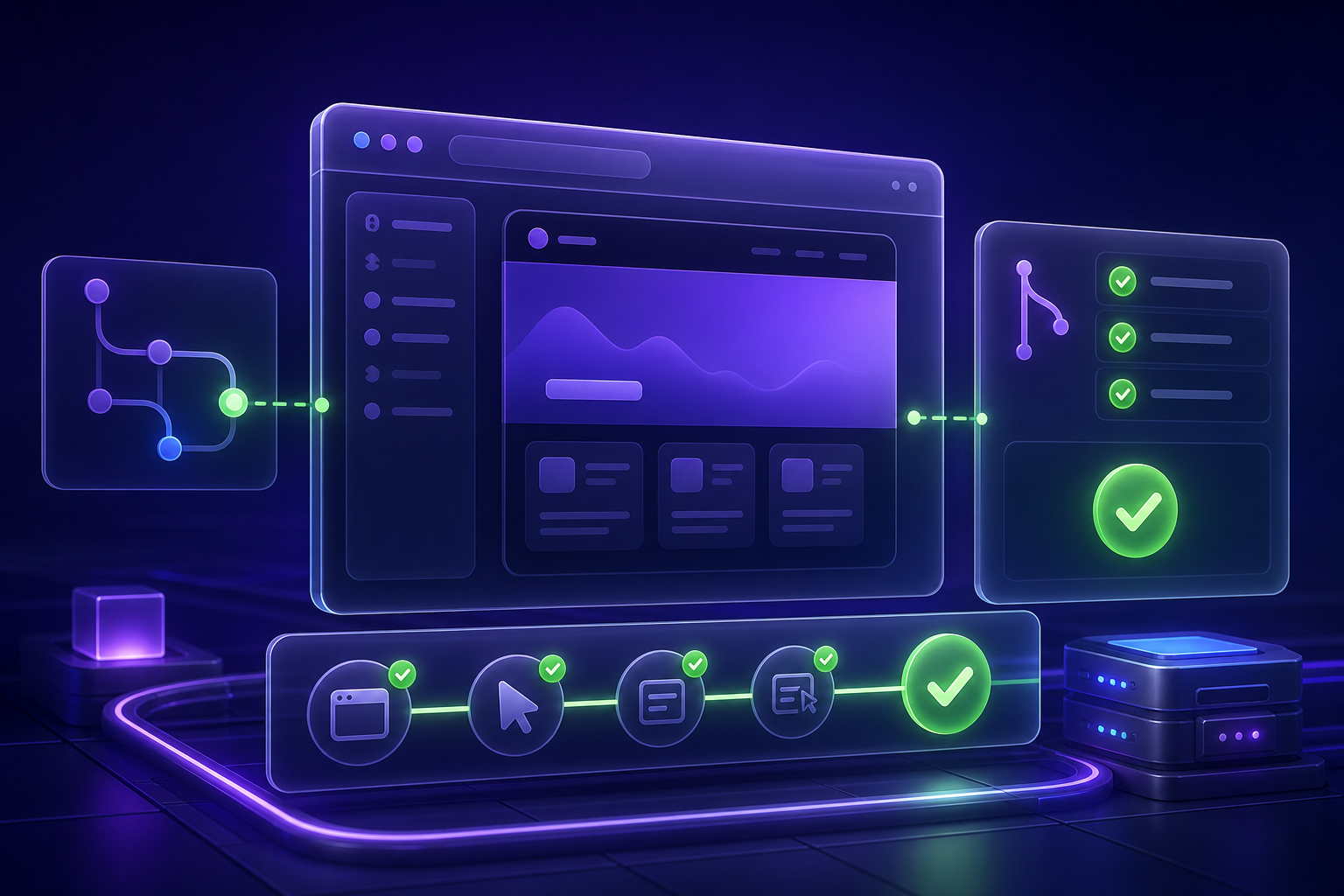
Preview environment E2E testing means running end-to-end browser tests against a temporary or branch-specific deployment before the change is merged.
Instead of testing only local code, staging, or production, the test runs against the exact build attached to the pull request, merge request, branch deploy, or agent run. The environment has a URL, the browser opens that URL, and the test verifies critical behavior such as sign-in, checkout, search, onboarding, billing, or admin workflows.
Common preview targets include:
- pull request deploy previews from Netlify, Vercel, Cloudflare Pages, Render, or similar platforms;
- branch deploys for longer release candidates;
- temporary review apps for backend or full-stack changes;
- agent-run previews created by AI site or code agents;
- staging URLs that include a feature flag, release branch, or preview namespace.
The goal is not to test every edge case on every preview. The goal is to catch obvious broken journeys while the code is still reviewable and cheap to change.
Why this topic is timely
Three current trends make preview E2E checks more important.
First, AI-assisted development is increasing change volume. Google's 2025 DORA report announcement says AI adoption is positively associated with throughput and product performance, but still has a negative relationship with software delivery stability unless teams have strong controls such as automated testing, version control, and fast feedback loops.
Second, AI agents are moving from chat suggestions to repository work. GitHub now lets teams ask Copilot to change existing pull requests, and its changelog says the coding agent works in a cloud development environment where it can make changes, validate with tests and linters, and push. That is useful, but it also means review queues need automated evidence, not just generated diffs.
Third, test authoring itself is becoming more agentic. Playwright documents planner, generator, and healer agents that explore an app, produce Markdown test plans, generate Playwright tests, and repair failing tests. Cypress documents cy.prompt, which turns natural language steps into executable E2E commands and lets teams inspect the generated code. These tools reduce authoring effort, but the generated checks still need to run against the real preview that reviewers are about to approve.
Preview environment testing is where those trends meet: AI can help create or maintain checks, but the merge decision should be grounded in browser evidence from the actual changed build.
Preview checks vs. staging checks
Staging is still useful, but it answers a different question.
| Check | Best question | Main risk |
|---|---|---|
| Local test | Does the change work on one developer machine? | Hidden dependency on local state |
| Pull request preview | Does this specific change work in a deployed browser environment? | Preview data or secrets are incomplete |
| Shared staging | Does the integrated release candidate work with other pending changes? | Multiple teams can change the environment underneath the test |
| Production smoke test | Did the shipped release keep the critical path alive? | Failure already affects users |
A healthy QA strategy uses more than one layer. Preview checks should be small, fast, and focused on the change. Staging checks can cover broader integration. Production smoke checks should be conservative and non-destructive.
What to test on every preview
Start with flows that meet three criteria: they are business-critical, they can run safely on non-production data, and a failure would change the merge decision.
Good preview E2E candidates include:
- login and session creation;
- signup or invite acceptance;
- product search and filtering;
- checkout with sandbox payments;
- dashboard load after authentication;
- important form submission with generated data;
- role or permission checks;
- account settings updates;
- critical navigation after a feature flag is enabled.
Avoid turning the preview gate into a full regression suite on day one. A 90-second smoke suite that always runs is more valuable than a 40-minute suite that reviewers learn to ignore.
Use a wider suite later, once the small gate is trusted.
The practical workflow
The cleanest workflow has five steps.
1. Create or detect the preview URL
Your deployment platform usually attaches a preview URL to the pull request. Netlify, for example, automatically builds Deploy Previews for pull or merge requests in connected repositories and adds a status when the preview is being generated. Its docs also describe a stable preview URL pattern for each pull or merge request.
Your CI job, GitHub Action, or testing platform needs to receive that preview URL as the base URL. Playwright's CI documentation shows this pattern for deployment-status events by passing the deployment target URL into the test run as PLAYWRIGHT_TEST_BASE_URL.
2. Select the right test subset
Run tests that match the changed surface area:
- auth and navigation for layout or shell changes;
- checkout, pricing, and payment for billing changes;
- admin or permissions flows for access-control changes;
- saved high-value smoke tests for broad UI changes;
- one focused test for a bug fix, using the original failure path.
If you maintain code-based tests, tags and paths can select a subset. If your team uses a no-code testing platform, organize preview-safe tests into folders or labels such as "PR smoke", "checkout preview", or "admin preview".
3. Make test data preview-safe
Preview environments fail when data is treated as an afterthought. Before you add the gate, define which accounts, records, variables, and cleanup rules the preview suite can use.
Use a simple rule: no shared state that one run can corrupt for the next run.
For most web apps, that means:
- a dedicated preview test account per role;
- environment-scoped credentials and variables;
- generated emails, names, and record labels for mutating flows;
- sandbox payment, email, and third-party integrations;
- cleanup when the app creates durable records;
- read-only smoke checks when cleanup is not reliable.
For a deeper data plan, use the E2Easy guide to test data management for E2E testing.
4. Add assertions that prove user-visible success
A preview test should not only click through the page. It should prove something a reviewer would care about.
Weak assertions:
- URL changed;
- button was clicked;
- page did not crash;
- arbitrary element exists.
Stronger assertions:
- "Dashboard" is visible after login;
- the checkout confirmation page shows the order state;
- the new record appears in search results;
- the correct role cannot access a restricted page;
- an error message appears for invalid input;
- the expected navigation state persists after reload.
This is where browser E2E tests earn their place in the PR gate. Unit tests can prove logic. The preview check proves that the deployed UI, routing, data, permissions, and browser behavior still line up.
5. Report the result where reviewers already work
GitHub status checks are designed to show whether a commit meets repository conditions, including validations from CI, tests, and deployments. If a check is required for a protected branch, it must pass before the pull request can merge.
Use that surface. A useful preview E2E check should show:
- pass or fail status;
- preview URL tested;
- test names and failing step;
- screenshot or video when available;
- whether the failure is a product bug, environment issue, or test maintenance issue;
- a link to run history or artifacts.
The reviewer should not need to ask, "Did anyone try the page?"
How this works with E2Easy
E2Easy is a fit for teams that want preview checks without building a full automation framework first.
Repository content verifies these product capabilities: E2Easy records browser sessions through a Chrome extension, saves them as editable tests in a workspace, supports assertions, variables, credentials, custom selector attributes, run history, screenshots, video when enabled, accessibility markers, and optional server runners for scheduled or CI-style runs. The same docs also describe Claude Connector creation for teams that prefer prompt-based test authoring.
A practical E2Easy preview workflow looks like this:
- Record or prompt one critical journey against a stable environment.
- Replace hard-coded inputs with credentials, project variables, built-in variables, or environment variables.
- Add assertions at the user-visible success points.
- Save the test in a "PR smoke" or similar folder.
- Run that test against the preview URL before merge.
- Review the run history, failing step, screenshots, video, and accessibility markers when something fails.
The restraint matters. E2Easy should not be positioned as magic proof that every change is safe. It gives QA, product, and development teams a faster way to create and replay browser checks, then inspect evidence when the preview does not behave as expected.
A two-week rollout plan
Week 1: prove one preview gate
Pick one flow that breaks revenue, onboarding, or trust when it fails. Login is often too shallow; checkout, signup completion, invite acceptance, or a core dashboard path is usually better.
Create one preview-safe test and run it manually on three active pull requests. Do not make it required yet. Measure:
- whether the preview URL was easy to target;
- whether data setup was stable;
- whether the test result matched human review;
- how long the run took;
- whether failure evidence was clear enough to act on.
Fix the data, selectors, and assertions before adding more tests.
Week 2: make it part of review
Once the first flow is stable, add two to five more tests and make the suite visible in pull request checks. Keep it small enough that reviewers wait for it.
Define simple policy:
- required for changes touching user journeys;
- optional for copy-only or docs-only changes;
- blocked when preview data or secrets are unavailable;
- failure requires either a product fix, test fix, or explicit reviewer override.
Then review skipped runs. GitHub notes that skipped workflow jobs can report success, so a skipped required check may not block a merge. If a preview gate matters, make sure the check cannot silently skip the risky cases.
Common mistakes
Testing the wrong URL. A test that accidentally hits staging or production cannot validate the pull request. Log the base URL in every run.
Using production credentials. Preview checks should use preview-safe accounts and sandbox integrations.
Asserting implementation details. Deep CSS selectors and layout-only checks create noise. Assert visible outcomes and stable roles or test IDs.
Running too much too soon. If the first preview suite is slow or flaky, reviewers will route around it.
Treating AI-generated tests as automatically approved. Playwright and Cypress can help generate or repair tests, but the generated result still needs review, stable data, and repeatable execution.
Ignoring artifacts. A failed preview check without a screenshot, video, step log, or run history link forces people back into guesswork.
FAQ
Should every pull request run E2E tests?
Not every pull request needs the same E2E suite. Docs-only and copy-only changes may not need browser checks. UI, routing, auth, checkout, permissions, and workflow changes usually deserve at least a small preview smoke test.
Are preview environments better than staging?
They solve different problems. Preview environments test the exact proposed change before merge. Staging tests the integrated release candidate after several changes come together. Use preview checks for fast PR feedback and staging checks for broader release confidence.
Can AI-generated pull requests be trusted if tests pass?
Passing tests are evidence, not a guarantee. Treat AI-generated pull requests like human pull requests: review the diff, run relevant automated checks, inspect browser evidence, and require human approval for risky changes.
What is the best first preview E2E test?
Choose one critical, repeatable flow that can run safely with test data. For many SaaS teams, that is signup, login plus dashboard load, invite acceptance, or a core form submission.
What should a failed preview E2E check include?
At minimum: the preview URL, test name, failing step, expected result, actual result, screenshot or video, and a link to run history or logs. Without that evidence, the failure is harder to triage and easier to ignore.
Turn preview links into release evidence
A deploy preview is useful because a human can click it. A preview E2E gate is useful because the team no longer depends only on a human remembering to click the right path.
Start small. Pick one customer-critical journey, make the data repeatable, add meaningful assertions, and run it against every risky preview before merge.
If your team wants that workflow without writing a full Playwright or Cypress framework first, E2Easy can help you record or prompt browser tests, manage variables and credentials, and review run evidence before release.
Author: E2Easy Team | Date: July 30, 2026